

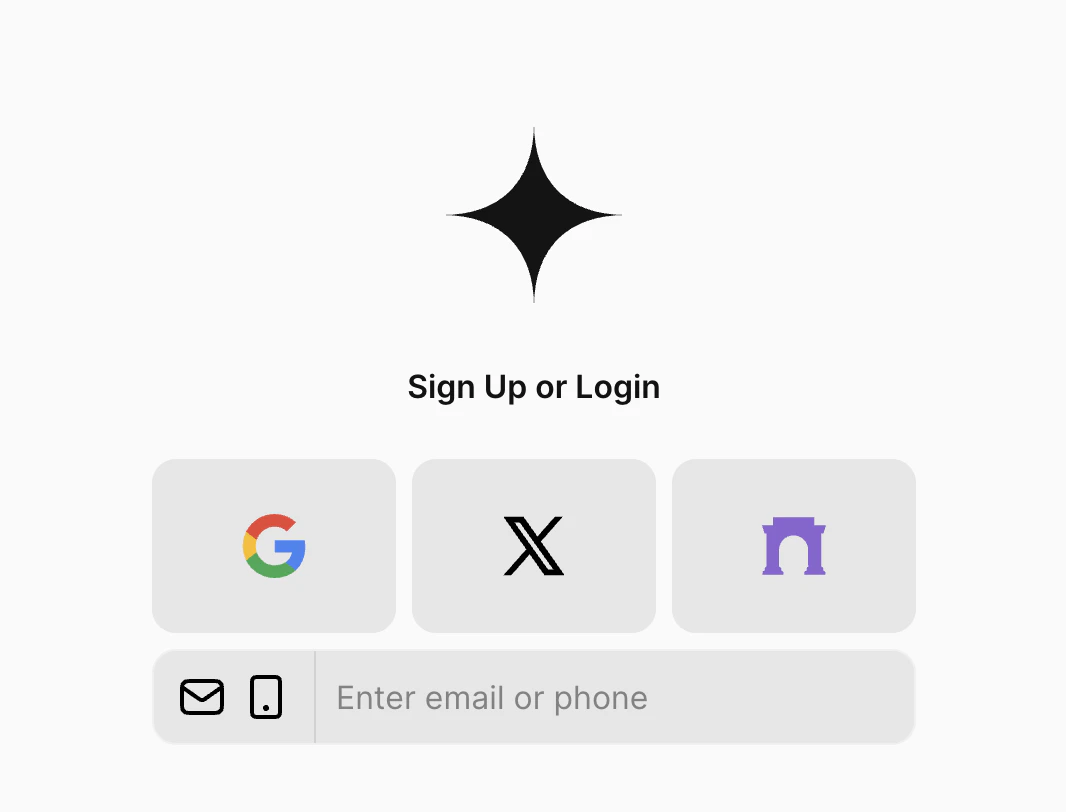
Para automatically links wallets with a common email identifier to avoid creating duplicate wallets if users choose
different methods in different sessions. Because of this, users must have an email associated with their login
account of choice. Without an email linked to the account, authentication will fail and the user will see a prompt
to either add email to their social account or try a different method.
Integrating Social Logins
You have two options when for using social logins with Para. You can use the Para Modal and simply pass in your desired OAuth methods, or you can use the SDK to manually control the OAuth process and create your own custom UI.Para Modal
Social Logins can be easily integrated via theParaModal component by passing the desired options as an array to the
oAuthMethods property:
1
Configure OAuth Methods
Custom OAuth Implementation
For developers implementing their own authentication UI, Para provides methods to handle OAuth authentication and subsequent wallet creation.1
Handle OAuth Authentication
Beta Testing Email In the
BETA Environment, you can use any email ending in @test.getpara.com (like
dev@test.getpara.com). Any OTP code will work for verification with these test emails. These credentials are for beta
testing only. You can delete test users anytime in the beta developer console to free up user slots.2
Farcaster Authentication
Farcaster authentication follows a similar pattern but uses Farcaster-specific methods. Here’s how to implement a complete Farcaster authentication flow:
Telegram OAuth Login
To implement your own Telegram authentication flow, please refer to the official documentation. Para uses the following bots to handle authentication requests:
When you receive an authentication payload, you can use
para.verifyTelegram() to validate the payload hash and either
find or create the Para user for that Telegram user ID, all in one step. As with Farcaster, these users will not have an
associated email or phone number and will thereafter need to use Telegram to sign in to your app.
Account Metadata
To fetch account metadata for a particular user from their most recent OAuth login on your app - for example, their Google profile image or their Discord clan information - use thegetAccountMetadata method. This returns an object,
indexed by the third-party service name, containing the date of the login and the metadata returned from the service at
that time.